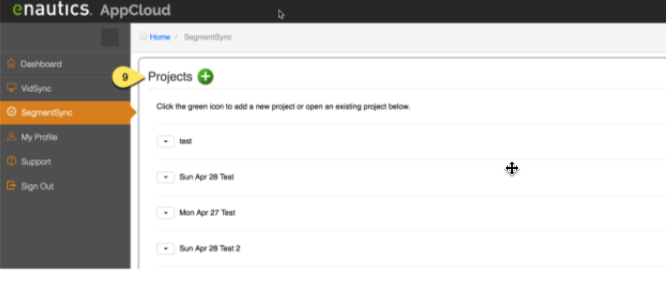
Sync’s are stored in “Projects”. Click on the green plus sign to create a new project or double click an existing project name to configure it.
1. Follow the three-step SegmentSync configuration below.
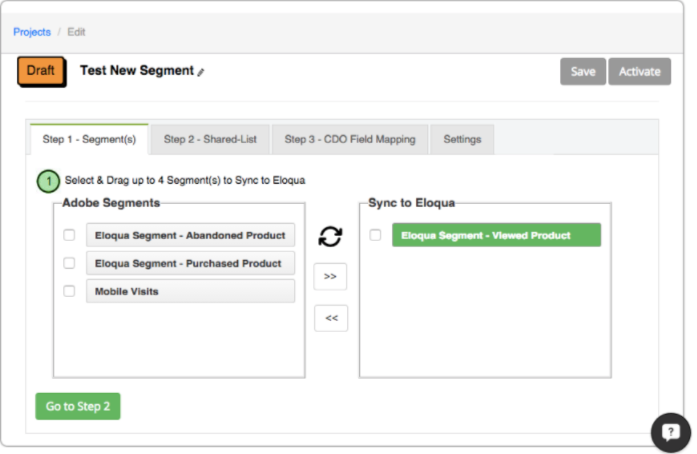
A. Drag and Drop a Segment to Sync to Eloqua.
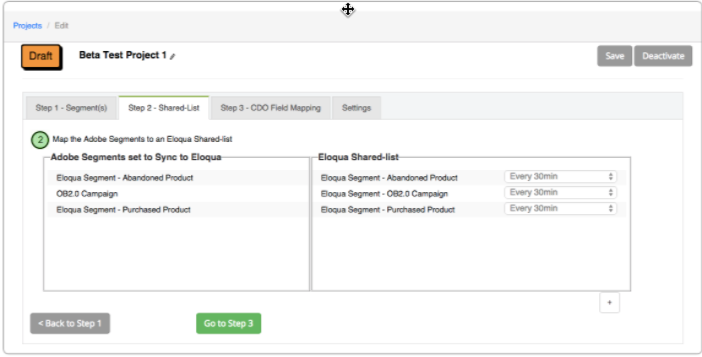
B. Map the Adobe Segments to an Eloqua Shared-list.
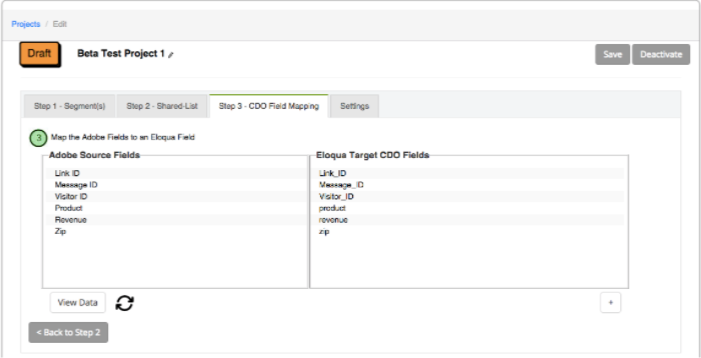
C. Map the Adobe Fields to an Eloqua Field